Part of Carden Salon
A kiosk at the door.Their place in five seconds.
A kiosk at the entrance or a QR code in the window. Clients take their turn on their own, and Carden fits them in between your booked appointments. One queue, and the team never has to look up.
- Carden Salon, €109 a month per salon. The salon buys its own hardware.
Demo of the Carden kiosk: the window shows “Available in 20 min”, the client picks their language from eight, their treatment from photos, their therapist, types their first name and gets a number with an estimated time.




What Carden changes
The entrance runs itself, without the team.
- Three choices, not a form
- The service, a preferred team member if they have one, and it’s done. No email address, no password.
- A kiosk, or just a QR code
- The kiosk gives you a welcome that’s visible from the door. The QR code, stuck in the window, lets you try the idea without buying any hardware.
- Between your booked appointments
- The kiosk fits each walk-in between the appointments already in your diary. One queue, no double entry.
- In your colours
- The screen shows your name, your logo and your services. Clients don’t feel they’re using an outside tool.
Three formats
Floor-standing, wall-mounted or on the counter. The same journey.

WELCOME TO
Sabai Spa
Available in 20 min
Take a ticket
Floor-standing kiosk
On a stand, at the entrance or in the window. Visible from the street.
WELCOME TO
Sabai Spa
Available in 20 min
Take a ticket
Wall-mounted screen
Fixed to a wall or a pillar. It takes up no floor space.
WELCOME TO
Sabai Spa
Available in 20 min
Take a ticket
iPad kiosk
A tablet on its stand, on the counter.
No kiosk yet?
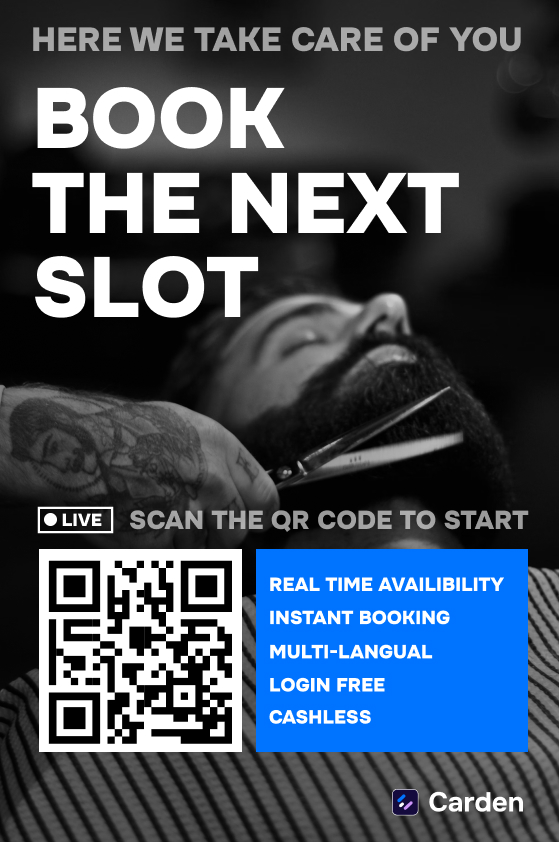
A poster in the window is enough.
A QR code on the door: passers-by scan it, and the same journey opens on their phone. Add the kiosk whenever you like.
Hello · Bonjour · Hola · 你好 · مرحبا
A tourist walks past? Carden speaks their language.
A Spanish tourist on holiday walks past a Thai massage spa. The window says “Available in 20 min”. He taps ES, picks his treatment, takes his ticket. Nobody had to speak Spanish.
- Eight languages, one tap
- Clients pick theirs on the kiosk’s welcome screen.
- Their number, their time
- The ticket shows in their language, with the estimated time.
- Nothing to translate
- Your team gets a booking like any other. Name, treatment, time.
How it works
Three steps, then nothing more to do.
The client picks a service
On the kiosk, or on their phone after scanning the QR code. The list is your service menu.
The client takes their turn
Their position and estimated time appear straight away. Nothing to create, nothing to install.
Wait wherever you like
In the salon or outside. Their phone lets them know when their turn is coming up.
Do I have to buy a kiosk to start?+
No. A QR code in the window or on the counter is enough and costs nothing. The kiosk gives you a welcome that’s visible from the door, but it can come later if you want it.
What hardware does the kiosk need?+
A tablet and a stand. The salon buys the hardware, which leaves you free to choose the model and avoids another monthly rental.
Does the client have to create an account?+
No, never. They pick a service and it’s done. Asking someone who just wants a haircut to sign up is the best way to watch them walk out.
Does it work if I also take appointments?+
Yes. Turns taken at the kiosk and your existing appointments sit in a single queue, by your rules. It’s actually the most common case.
And clients without a smartphone?+
The kiosk prints or shows their number, and the screen in the waiting area shows how the queue is moving. The phone is a convenience, not a requirement.
The simplest way: see it for real.We’ll show you.
Carden Salon, €109 a month per salon. The salon buys its own hardware.